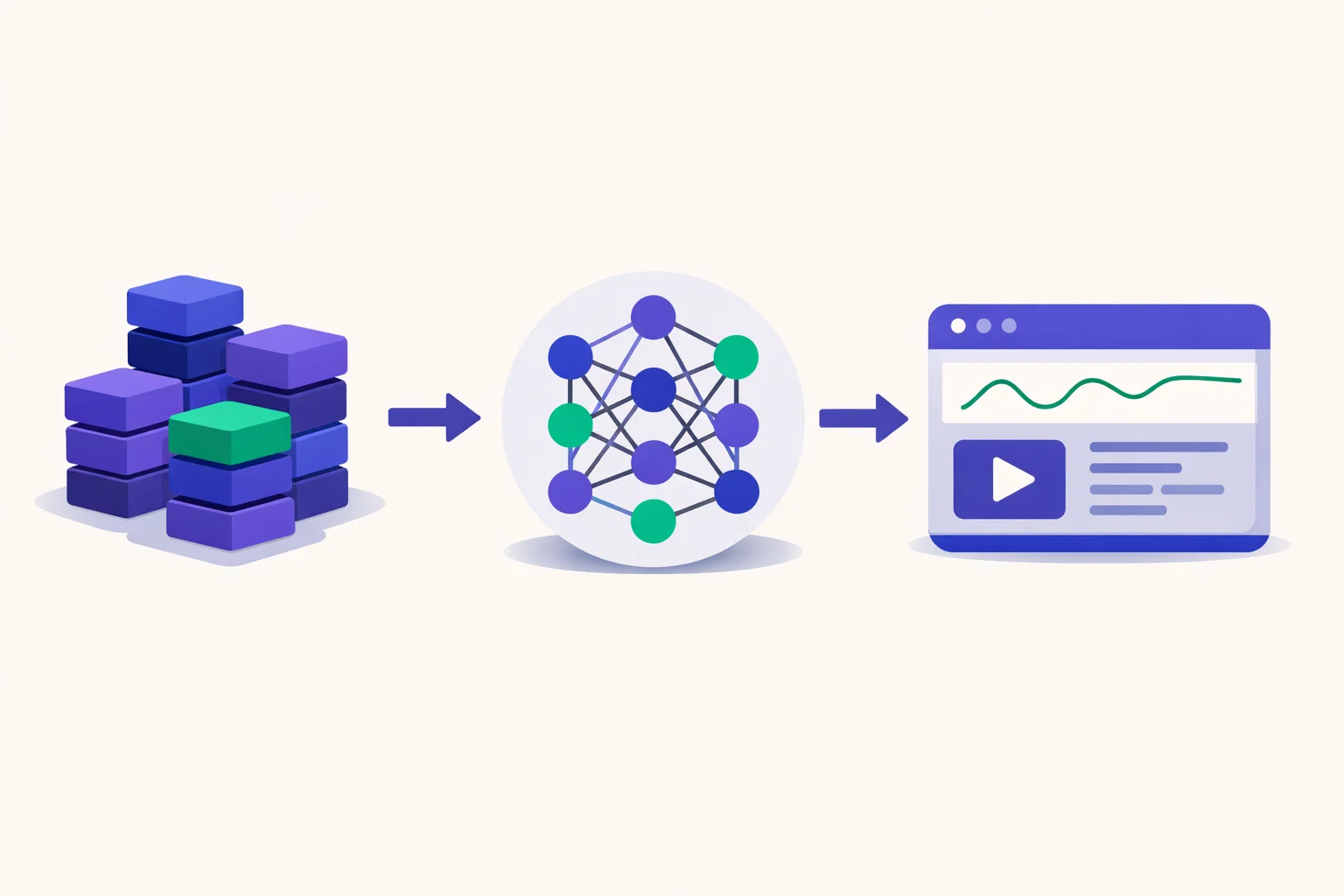
Short answer: To build an AI model, you define a clear problem, collect and clean the right data, pick a model type, train it on that data, measure how well it performs, then deploy and monitor it, repeating steps as you learn.
Key takeaways
- Building an AI model follows a workflow: define the problem, get the data, prepare it, pick and train a model, evaluate, then deploy and monitor.
- Data quality tends to outweigh the choice of algorithm, and collecting and cleaning data takes up most of the real effort.
- Training from scratch is often unnecessary. For many tasks, fine-tuning or calling an existing API is quicker and cheaper.
- Evaluation, monitoring and ethics (bias, privacy, safety) belong to the core work and can't be left as extras.
On this page
- Key takeaways
- The short answer
- Step 0: Decide whether you even need to build one
- What you’ll need to follow along
- The 7-step workflow at a glance
- Step 1: Define the problem clearly
- Step 2: Gather and prepare data
- Step 3: Split the data
- Step 4: Choose an approach and model type
- Step 5: Train the model
- Step 6: Evaluate the model
- Step 7: Deploy and monitor
- A worked example: a spam classifier in seven steps
- Don’t skip the ethics
- Speeding up the plumbing
- The bottom line
- FAQ
Building an AI model sounds daunting, yet the process is a workflow you can repeat: turn a problem into data, learn patterns from that data, and confirm the result works. This guide covers every stage in plain English, including the step most beginners skip (deciding whether to build a model in the first place) and the parts that turn a demo into something you can depend on.
The short answer
To build an AI model, you define the problem and how you’ll measure success, collect and clean relevant data, pick an approach, train a model on the data, evaluate it fairly, and then deploy and monitor it, improving it along the way. Most of the real work usually sits in data preparation, with the algorithm taking far less. If you’d rather build a business on existing models than create a new one, the explainer on AI arbitrage walks through that route in more detail.
Step 0: Decide whether you even need to build one
Often the cheapest AI model is the one you never build. Before you train anything, choose the lightest approach that solves the problem:
| Approach | Best for | Effort & cost | Data needed |
|---|---|---|---|
| Use an existing API | Common tasks (chat, summarize, classify, vision) | Lowest | None to train |
| Fine-tune a pre-trained model | A specific domain, tone, or format | Medium | Modest, labeled |
| Train from scratch | Novel problems, full control, strict privacy | Highest | Large, high-quality |
If you’ve concluded that you do need to train or fine-tune, the full workflow follows.
What you’ll need to follow along
A research lab isn’t required. Most beginners get by with a modest setup:
| What | Common choice | Notes |
|---|---|---|
| Language | Python | The default for machine learning |
| Classic ML library | scikit-learn | Great for tabular data and baselines |
| Deep-learning library | PyTorch or TensorFlow | For neural networks |
| Data handling | pandas, NumPy | Loading, cleaning, transforming |
| Pre-trained models | Hugging Face | Download and fine-tune existing models |
| Compute | Laptop, GPU, or a free cloud notebook | Small models run locally; bigger ones need a GPU |
For a first project, you can go from start to finish with a laptop, scikit-learn and a free hosted notebook (GPU optional).
The 7-step workflow at a glance
- Define the problem and a success metric
- Gather and prepare data
- Split the data (train / validation / test)
- Choose an approach and model type
- Train the model
- Evaluate the model
- Deploy and monitor
Step 1: Define the problem clearly
Every later step rests on this one. Write down what the model should predict or produce and how you’ll tell that it worked. “Detect spam emails” turns into “label each email as spam or not, with at least 95% precision so we seldom flag real mail.” A sharp problem statement plus a measurable success metric saves you months of wasted work. For a structured introduction, Google’s free Machine Learning Crash Course explains the fundamentals behind each of the steps below.
Step 2: Gather and prepare data
Most of the labor happens at this stage. Your model learns from data, so data quality sets a ceiling on the model: garbage in, garbage out. Plan to spend the largest share of the project here:
- Collect data that is relevant to your task and representative of it.
- Clean it by fixing errors, handling missing values and removing duplicates.
- Label it if you’re doing supervised learning (for example, marking which emails are spam).
- Transform it into something the model can consume (numbers, tensors, normalized ranges).
A common rule of thumb: collecting and cleaning data take up most of a machine-learning project’s time. The algorithm is the easy part.
Step 3: Split the data
Before you train, divide the data into three sets so you measure real performance instead of memorization:
- Training set: the data the model learns from.
- Validation set: used during development to tune settings and compare options.
- Test set: kept untouched and used once at the end to estimate real-world performance.
Beginners skip this all the time, and the result is a model that scores brilliantly on data it has already seen and fails on anything new.
Step 4: Choose an approach and model type
Fit the model to the task and to your data. A rough map:
| Task type | Sensible starting point | Example tools / model families |
|---|---|---|
| Tabular prediction/classification | Classic ML (trees, linear models) | scikit-learn, XGBoost |
| Text understanding/generation | Fine-tune or call an LLM | Open models (Llama, Mistral, Qwen, DeepSeek); hosted APIs |
| Image classification/detection | Convolutional or vision models | ResNet, YOLO, Vision Transformer (ViT) |
| Speech to text | Pre-trained speech models | Whisper-style models |
You’ll seldom invent an architecture. You choose a proven one, and more and more often you begin with a pre-trained model and adapt it. The ChatGPT review shows how much a large pre-trained model can handle before anyone fine-tunes it.
Step 5: Train the model
During training, the model sees your training data and adjusts its internal parameters to predict better. In practice:
- Build a simple baseline before trying anything fancy, since it tells you whether the problem is learnable at all.
- Tune hyperparameters (learning rate, model size, regularization) against the validation set.
- Look out for overfitting (strong on training data, weak on new data) and underfitting (weak everywhere).
Compute comes into play at this stage. Small models train on a laptop, and bigger deep-learning models need a GPU, a cloud instance or a free hosted notebook.
Step 6: Evaluate the model
Now bring out the untouched test set and choose metrics that fit the goal. Accuracy by itself can mislead you: a fraud detector that calls everything “not fraud” can hit 99% accuracy and be worthless. Use precision, recall, F1 or error measures suited to the task, and study where the model fails instead of stopping at the headline number.
Step 7: Deploy and monitor
A model that lives only in a notebook isn’t done. Deployment puts it to use, behind an API, inside an app or within a workflow, and then you keep an eye on it:
- Monitor accuracy and behavior on live data.
- Watch for drift: the world shifts, and a model trained on last year’s data degrades bit by bit.
- Retrain on fresh data when needed.
Building an AI model works as a loop, and you’ll rarely get there in one straight pass. Good results tend to come from cycling through these steps several times. Professional developers are adapting to these same tools, a topic covered in will AI replace software engineers.
A worked example: a spam classifier in seven steps
To ground the workflow, here’s how each step looks for a simple, classic project, deciding whether an email is spam:
- Define the problem. Label each email spam or not spam, aiming for high precision so real mail rarely gets flagged.
- Gather and prepare data. Collect a few thousand labeled emails, clean the text (lowercase it, strip HTML, drop duplicates) and turn words into numbers the model can process.
- Split the data. Reserve, for example, 70% for training, 15% for validation and 15% as an untouched test set.
- Choose an approach. Keep it simple at first: a logistic-regression or Naive Bayes classifier in scikit-learn makes a strong text baseline.
- Train. Fit the model on the training set and adjust settings with the validation set.
- Evaluate. Check precision and recall on the test set. Accuracy alone misleads here, because most email isn’t spam and a lazy “never spam” model would still score well.
- Deploy and monitor. Plug it into the mail flow, watch for drift as spammers change tactics, and retrain on a schedule.
The “AI” part, training the model, takes a few lines of code. You win or lose the project on the problem definition, the data and a fair evaluation.
Don’t skip the ethics
Bias, privacy and safety belong to the build itself and can’t wait until later. A model picks up every pattern in its data, unfair ones included. Before you ship:
- Check for bias across the groups your model affects.
- Respect privacy: know which data you’re using and whether you have the right to use it.
- Weigh the impact of mistakes, and give people a way to appeal or correct them.
Speeding up the plumbing
You needn’t write every line by hand. Coding assistants such as GitHub Copilot, Cursor, ChatGPT and Claude help a lot with scaffolding (data-loading scripts, boilerplate training loops, debugging), which frees you to focus on the problem and the data. Look through more programming AI tools if you’re putting a stack together.
The bottom line
Building an AI model means following a disciplined workflow: define the problem, collect and clean the right data, pick and train a suitable model, evaluate it fairly, and deploy and monitor it, repeating as you go. Data quality and fair evaluation count for more than exotic algorithms, and for most tasks you’ll begin from an existing model instead of a blank page. Start with the smallest approach that might work, measure it against a clear goal, and add complexity only when the results call for it.
Sources
Frequently Asked Questions
How do you build an AI model, step by step?
Define the problem and a success metric, collect and clean relevant data, split it into train, validation and test sets, pick an approach (from scratch, fine-tuning or an API), train the model, evaluate it fairly on held-out data, then deploy it and monitor it in production, repeating steps as you learn. Preparing the data usually takes the most work.
Do I need to be a math expert to build an AI model?
For simple projects built on existing libraries and pre-trained models, programming skill and a working grasp of the concepts matter more than advanced math. Designing new architectures or doing research does demand strong math and statistics. Most practical applications fall at the easier end.
How much data do I need to build an AI model?
That depends on the task and the approach. Simple models can do well with small, clean datasets, while training large models from scratch takes vast amounts of data and compute. Fine-tuning an existing model can reach good results with much less data than starting from zero.
Should I build a model or just use an existing AI API?
For many common tasks, such as text generation, classification and summarization, an existing API or a fine-tuned pre-trained model is quicker, cheaper and good enough. Build your own or customize heavily only when off-the-shelf options fall short of your needs, or when data privacy means everything has to stay in-house.
How long does it take to build an AI model?
A simple model trained on clean data with existing libraries can take a weekend. A production system, covering data collection, cleaning, evaluation, deployment and monitoring, tends to take weeks or months. Fine-tuning a pre-trained model goes much faster than training one from scratch.
What tools do I need to build an AI model?
Usually Python with a machine-learning library (scikit-learn for classic models, PyTorch or TensorFlow for deep learning), a data library such as pandas, and compute: a laptop for small models, and a GPU, cloud service or free notebook environment for bigger ones. Coding assistants can speed up the plumbing.

Written by
Priya Nair
How-To & Guides Editor
Priya Nair edits the how-to guides and explainers on iKnow AI. Her background is in making technical subjects easy to approach, and she splits machine-learning concepts and practical workflows into clear steps that any reader can follow. She keeps the substance intact and includes the caveats you need to know.